Learn With MedAI

Learn & Apply AI.

Ready-made AI skills and agents, curated LinkedIn Learning resources, and structured certificate and CME courses.

Skills & Agents

Research Assistants for the AI You Already Use

Ready-made help for common research jobs — literature searches, journal matching, manuscript review and IRB preparation — set up for Claude, Microsoft Copilot, ChatGPT and Gemini.

Works with Claude Microsoft Copilot ChatGPT & Gemini
Browse all skills on GitHub

Get started in three easy steps

  1. Download Download a skill below or from our GitHub page. Our GitHub page
  2. Add Add it to ChatGPT, Claude, or Copilot using our setup guide. See the setup guides
  3. Use Use it by telling the AI what you need help with.

We’ve written the instructions so you don’t have to. Choose a skill to get started!

Research Literature Search

Search, verify references, and build an evidence table.

Good for
  • Scoping a topic before a new study
  • Checking that every reference is real and cited correctly
  • Building an evidence table for a review

Journal Finder

Match journals by topic, indexing, article type, and fees.

Good for
  • Shortlisting journals that fit a finished manuscript
  • Comparing indexing, article types and publication fees
  • Avoiding predatory journals

Manuscript Reviewer & Revision Coach

Critique a manuscript and develop revisions.

Good for
  • A critical read before submission
  • Planning a response to reviewer comments
  • Tightening structure, clarity and reporting

NYIT IRB Assistant

Guide preparation using New York Institute of Technology-specific requirements and materials.

Good for
  • Preparing an IRB submission the New York Institute of Technology way
  • Checking which forms and approvals a study needs
  • Drafting consent and protocol language

Reference Validator

Confirms that your references point to real sources, checks listed DOIs, and looks up missing ones.

Good for
  • Checks author names, author order, titles, and publication details against official records.
  • Shows how well each source supports the claim it’s cited for.
  • Flags retractions, preprints, duplicate entries, and citations with no matching reference.
  • Gives you a Word report and a filterable Excel workbook to guide revisions before submission.

Grant Finder

Matches your project to verified grants and fellowships.

Good for
  • Upload a research protocol, abstract, Specific Aims page, or project summary.
  • Choose when you want to submit and identify the lead applicant’s career stage, from student or postdoc to new or established investigator.
  • Find grants and fellowships that fit your study design, budget, and submission window.
  • Get a ranked shortlist with official application links, verified deadlines, eligibility requirements, and award amounts.
Every MedAI skill, in one place Our GitHub repository has every skill as soon as it is ready, plus setup guides and the latest updates.
View our skills on GitHub
Skills FAQ

Questions about AI skills

What is an AI skill?

A skill gives AI step-by-step instructions for a task, like finding research or reviewing a paper. You can use it again and again without typing all the instructions each time.

What is the difference between a skill and an agent?

A skill is a set of instructions you add to your own AI tool so it handles a task the same way every time. An agent is a ready-built assistant you open and chat with.

How do I install a skill in ChatGPT or Claude?

On the skill’s card, click ChatGPT / Claude to download its .skill file, then upload it:

  • ChatGPT: Plugins → Skills → Create → Upload from your computer
  • Claude: Customize → Skills → Create skill → Upload a skill

The video below walks through ChatGPT, and the ChatGPT & Claude setup guide (PDF) covers both step by step.

How do I install a skill in Copilot?

On the skill’s card, click Copilot to download its .zip file. Then in Copilot, go to Agent Builder → Configure → Skills → Add.

The video below walks through it, and the Copilot setup guide (PDF) covers it step by step.

Where can I find every skill?

Every MedAI skill is in our GitHub repository, ready to download. For step-by-step help, see the ChatGPT & Claude setup guide and the Copilot setup guide.

Current Focus

Practical AI Learning

Short, free MedAI videos on useful AI concepts, research workflows and responsible practice. Scroll through and press play.

5 videos
Education

AI Chatbots versus Task-Specific AI

Recorded November 2026

Skills & Agents

Skill or agent? What is the difference

Recorded November 2026

Skills & Agents

Install a skill in ChatGPT

Recorded November 2026

Skills & Agents

Upload a skill to Copilot

Recorded November 2026

Tool Disclosure

New York Institute of Technology and NYITCOM do not endorse or promote any specific AI tool or commercial product.

The tools shown in these MedAI training videos were selected by the MedAI team for educational and demonstration purposes after exploring a variety of available platforms.

Their inclusion does not constitute an institutional endorsement. Features, pricing, accuracy, privacy practices, and availability may change. Users should independently evaluate each tool and follow all applicable New York Institute of Technology policies.

Curated by MedAI

Featured LinkedIn Learning Tutorials

A short, hand-picked set of LinkedIn Learning tutorials that build on our own videos. LinkedIn Learning is free for NYITCOM faculty and staff through university login.

Broader AI Training

Looking for something else?

The AI universe expands faster than anyone can update a webpage. A new set of picks comes up every couple of days — explore the full catalog by topic, tool, or role after signing in through New York Institute of Technology.

Access LinkedIn Learning through New York Tech
Certificate, CME & Microcredentials

Structured Courses

Longer, structured MedAI courses hosted in Canvas. Each course page says who it is open to and how to register.

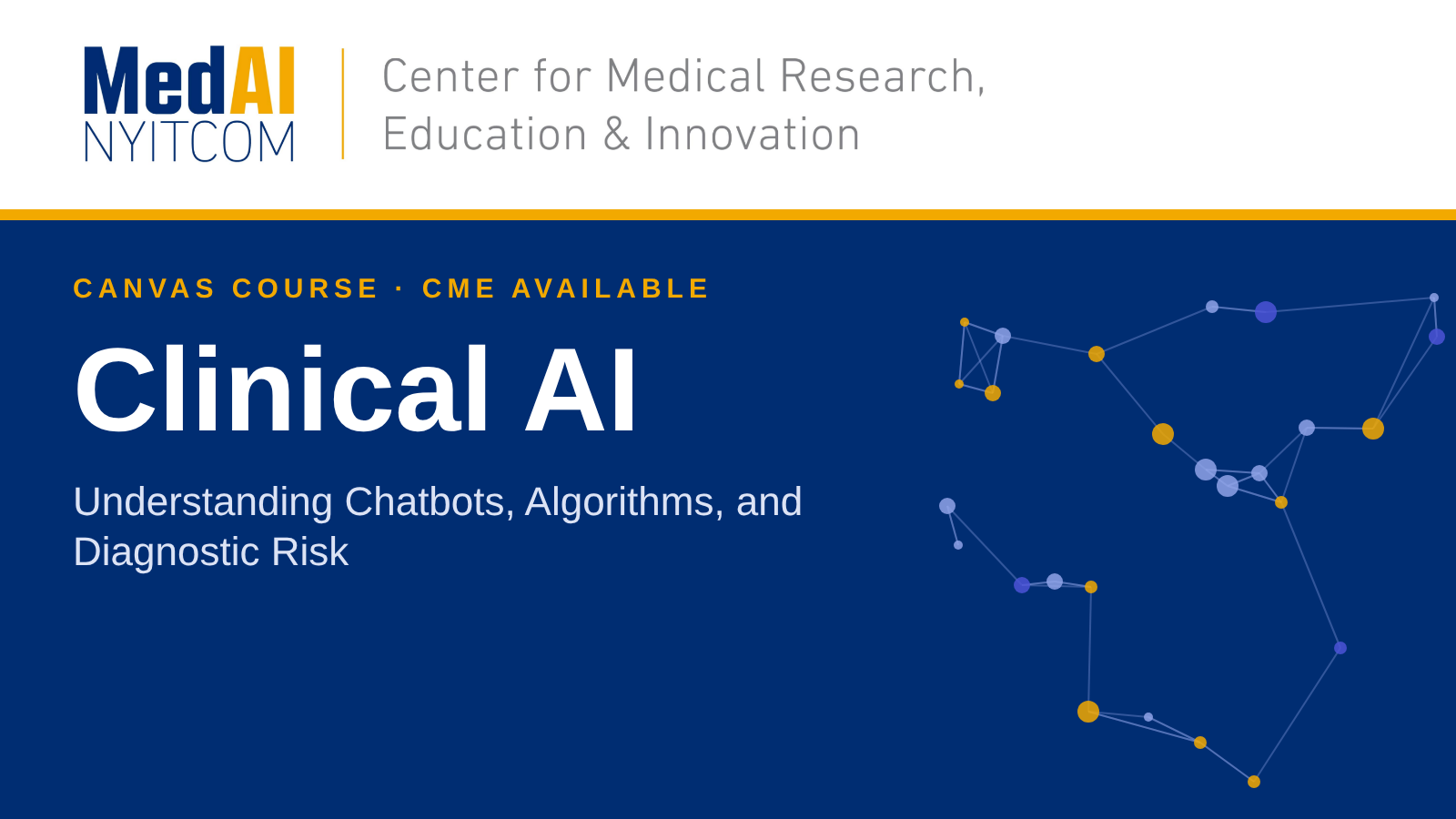
Clinical AI

Milan Toma’s Clinical AI Course

An introduction to clinically responsible AI: evaluation, limitations, and where AI does and doesn’t belong in patient-facing workflows.

CME available Self-paced
View course
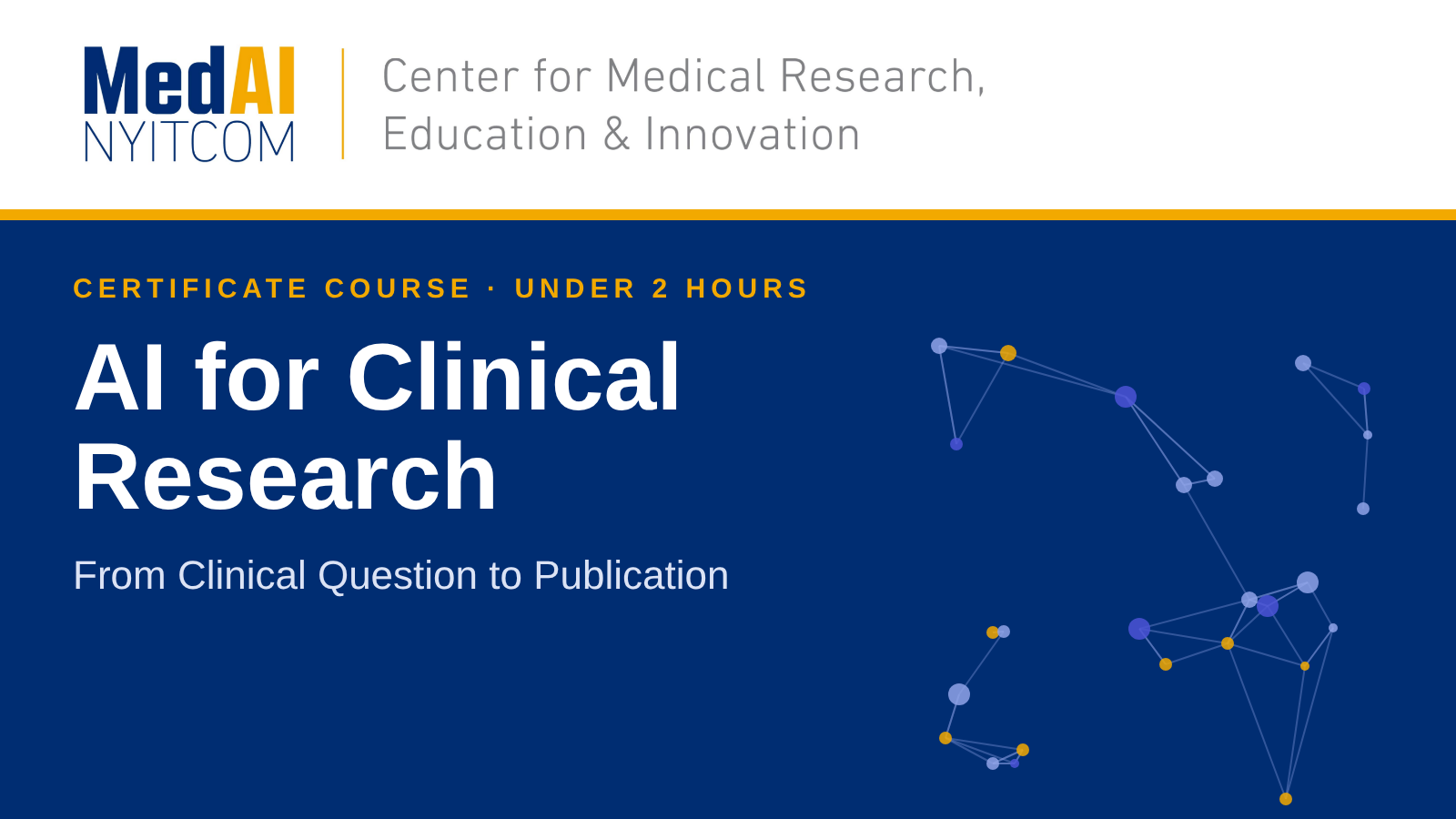
Clinical Research

AI for Clinical Research

How to use AI responsibly across the clinical research lifecycle — from literature review and study design to IRB preparation, data handling, and manuscript writing.

Self-paced
View course

Connect with MedAI

Have a question, collaboration idea, project, or interest in getting involved with the Center?

Contact the Center